A powerful menu bar app that formats, validates, and converts JSON and YAML instantly. Boost your productivity with global shortcuts.
{
"name": "JSONify PRO",
"version": "2.0",
"features": ["format", "validate"]
}
name: JSONify PRO
version: 2.0
features:
- format
- validate
Powerful features to streamline your JSON and YAML workflow
Format messy JSON and YAML with a single click. Supports custom indentation (2 spaces, 4 spaces, or tabs).
Convert JSON to YAML and YAML to JSON seamlessly. Perfect for working across different systems.
Auto-validates your code as you type. Shows exact line and column for any errors found.
Automatically detects and formats JSON/YAML copied from anywhere. Just copy and the app does the rest.
Format from anywhere with customizable keyboard shortcuts. ⌘⇧F to format, ⌘⇧T to convert.
Full localization support. The app speaks your language, from English to Chinese and beyond.
Compress JSON for API payloads. Remove whitespace and newlines for optimized data transfer.
Keep track of your recent conversions. Revert to any previous operation with one click.
Clean, intuitive interface designed for developers
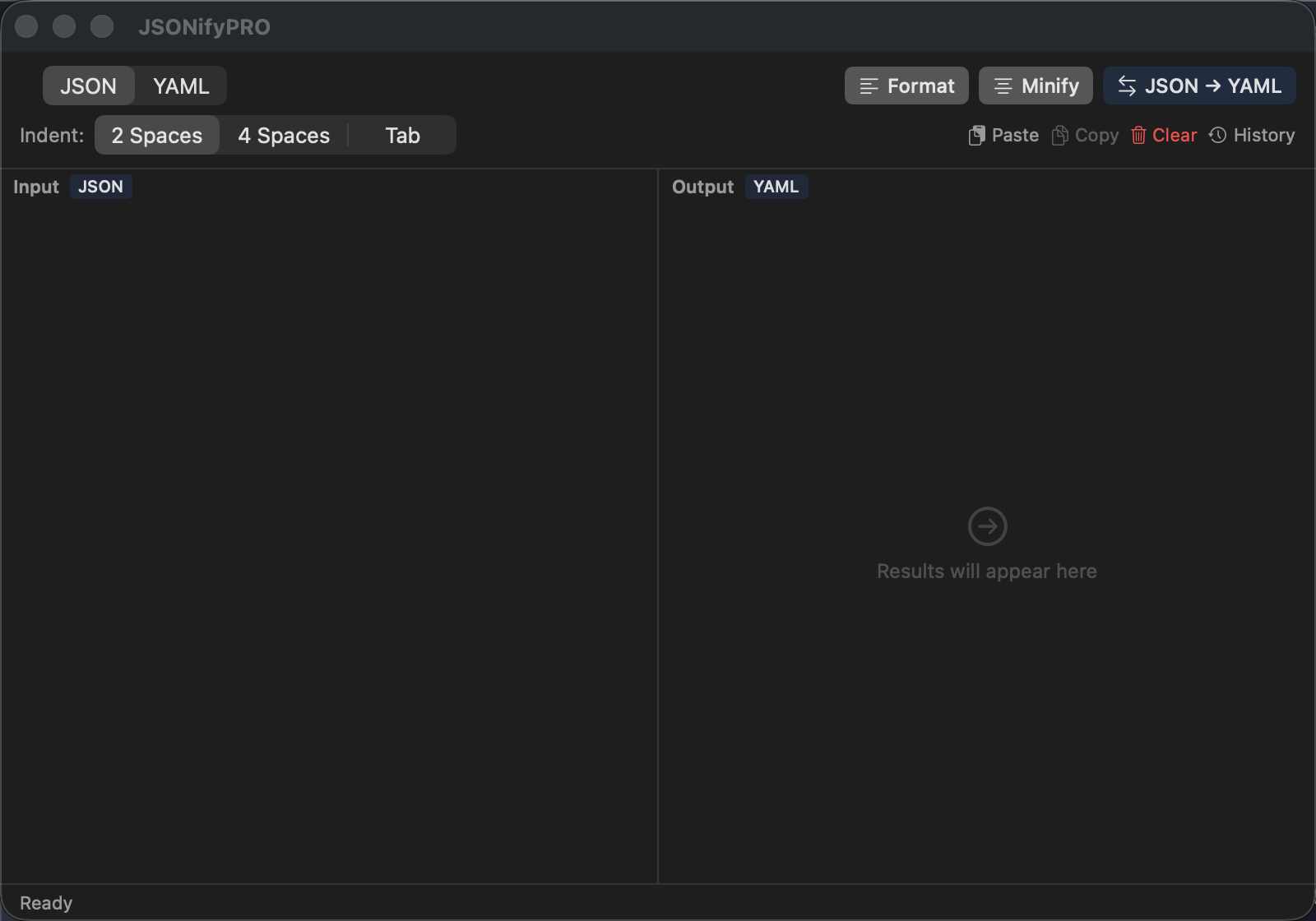
Clean, distraction-free interface
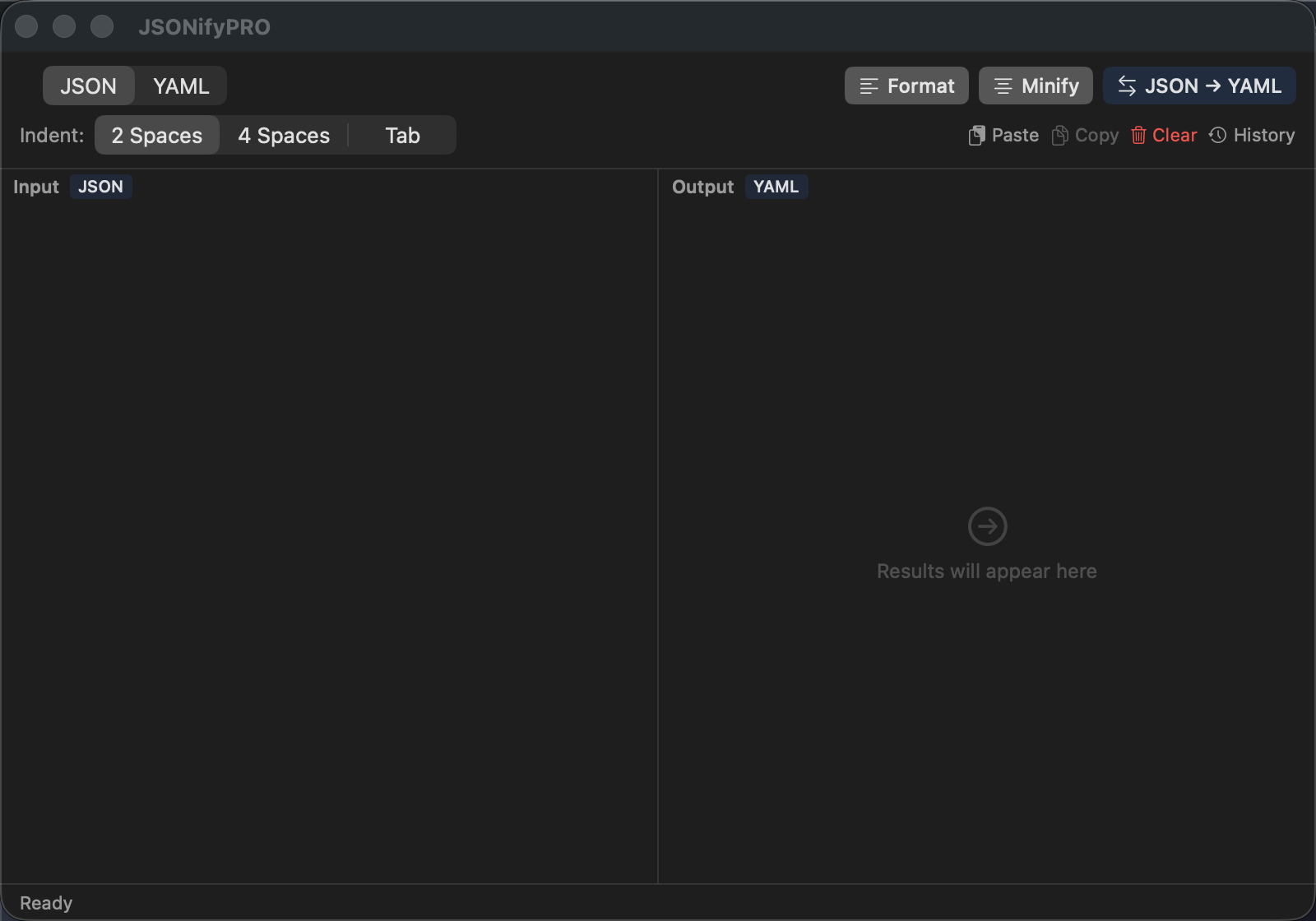
Instant JSON formatting in dark mode
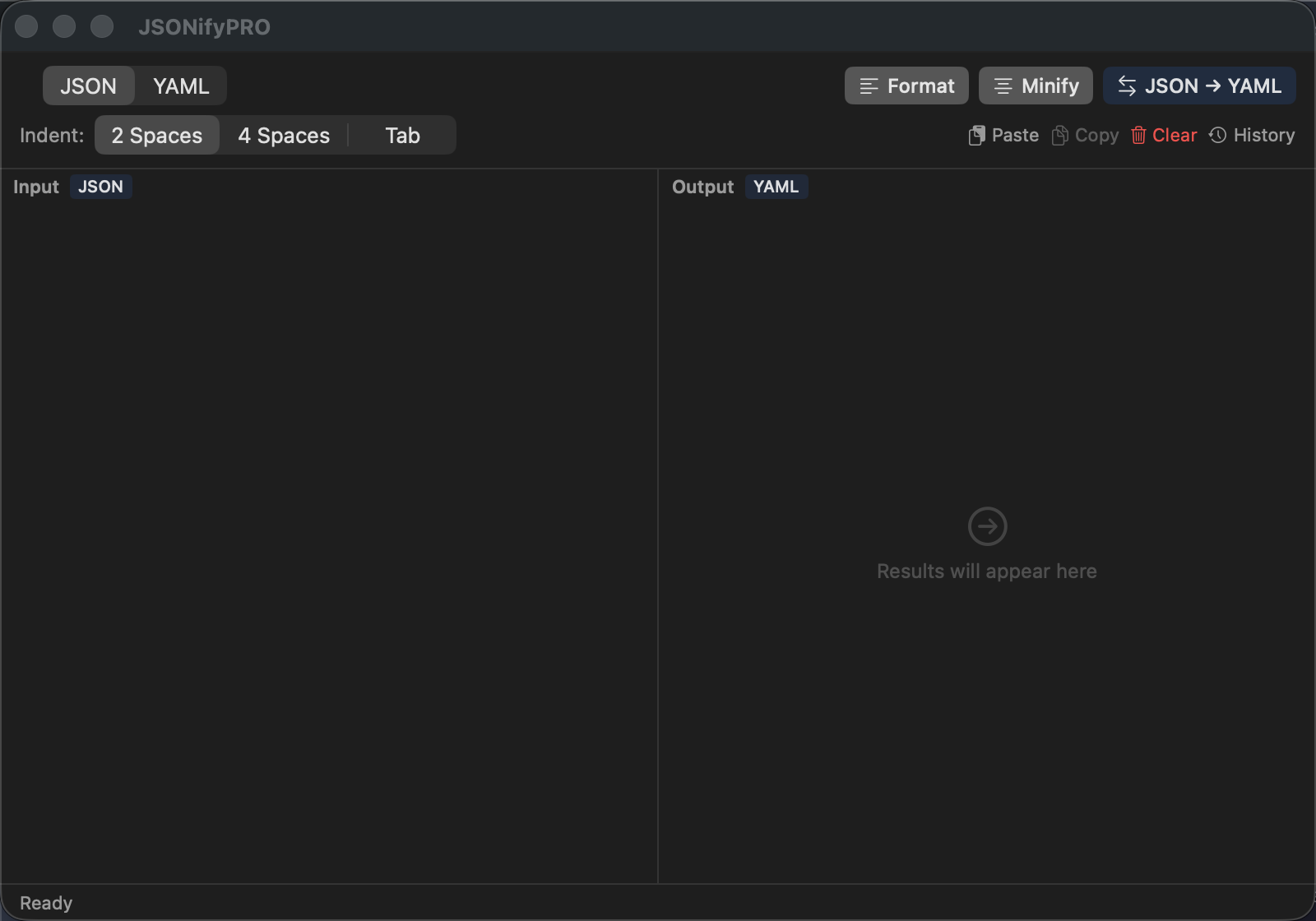
One-click JSON to YAML conversion
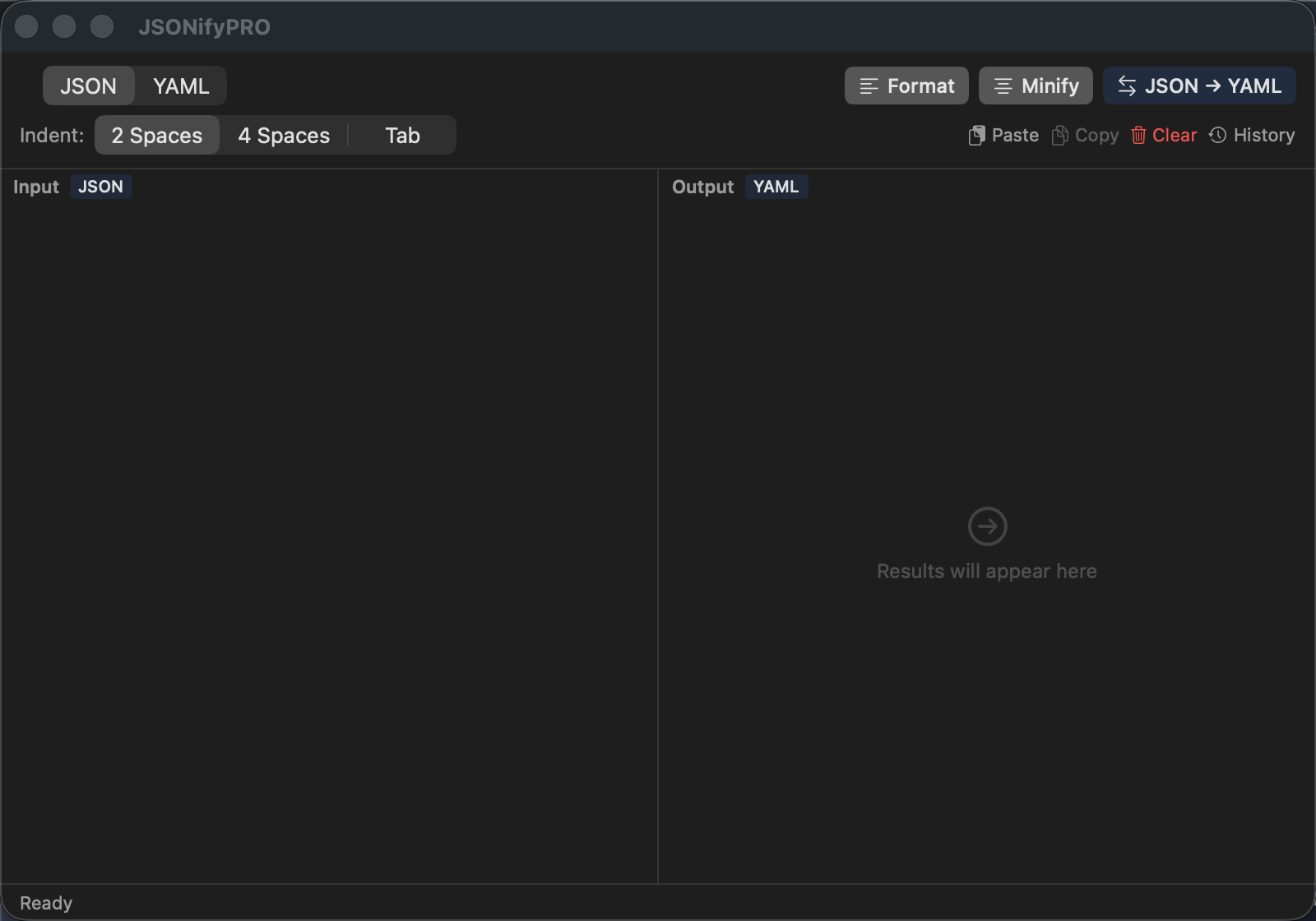
Clear error messages with line numbers
Three simple ways to format your code
Click the { } icon in your menu bar to open the app instantly. No dock icon needed.
Paste your JSON/YAML or use the clipboard monitoring to auto-detect content.
Click Format or Convert, then copy the result. It's that simple.
Available now on the Mac App Store